Your photo, your greeting
AI Christmas Card Generator
Make this year’s Christmas card from photos you already have. The AI Christmas card generator puts your family into a festive scene, then adds your greeting and family name and gives you a 5x7 print file and a phone-ready version.
Make my Christmas photo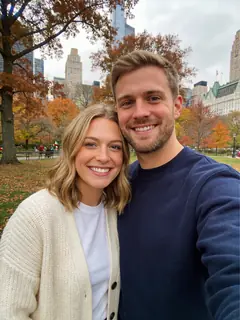
1Add your photos (1 to 4)
- Face to the camera, in even light
- Selfies work; a photo taken by someone else, a step back, works even better
- One clear photo per person is enough
- Filters, beauty mode, sunglasses
- Backlight, or faces too small to see
Photos can be taken anywhere; everyone ends up in one picture. Pets welcome. Photos with nudity or sexual content are refused.
2Pick a scene: Red & Gold Studio
3Add a detail (optional)
4Format
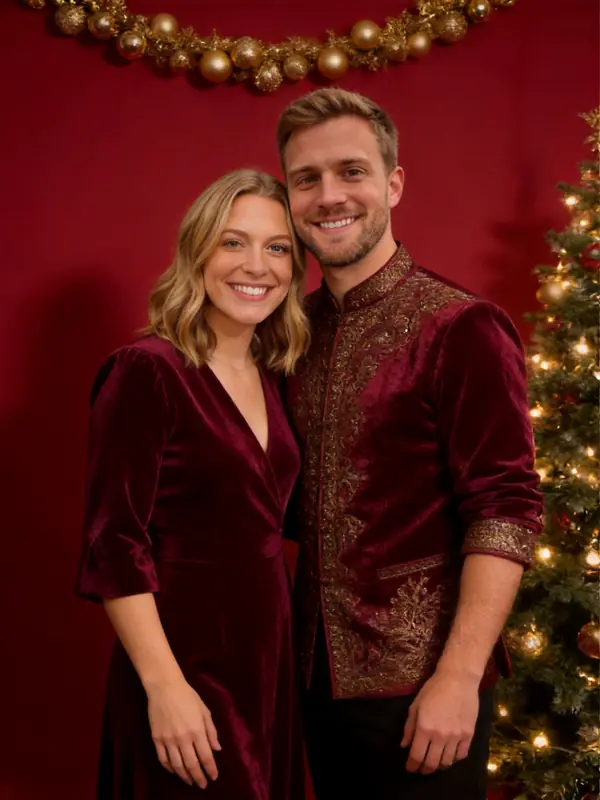
Your scene
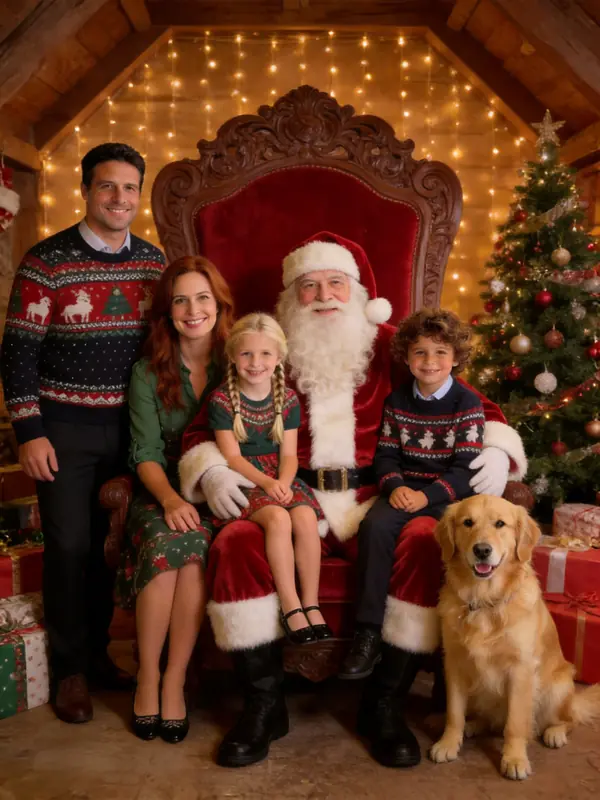
Red & Gold Studio
A classic studio portrait in deep red, emerald and gold.
Examples made from AI-generated sample people, not customers.
What's new
- Four card designs, four greetings or your own, and a 300 dpi 5x7 print file.
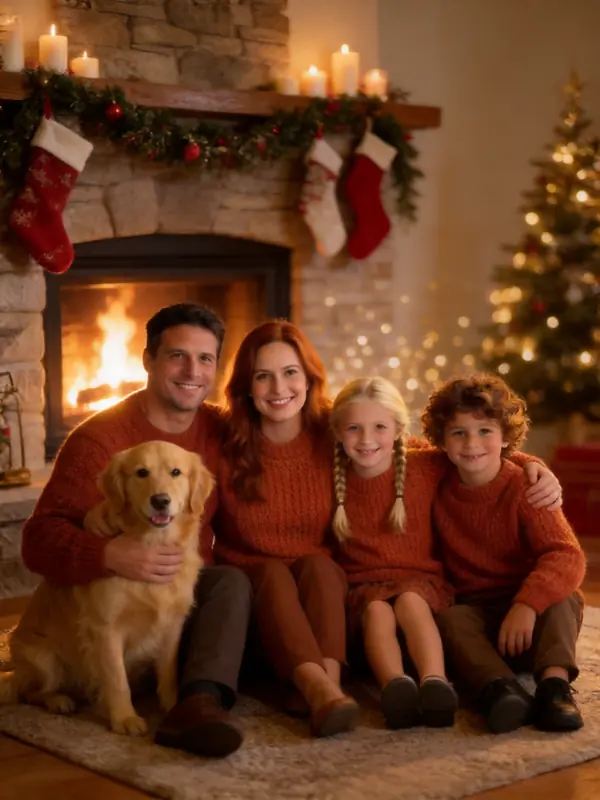
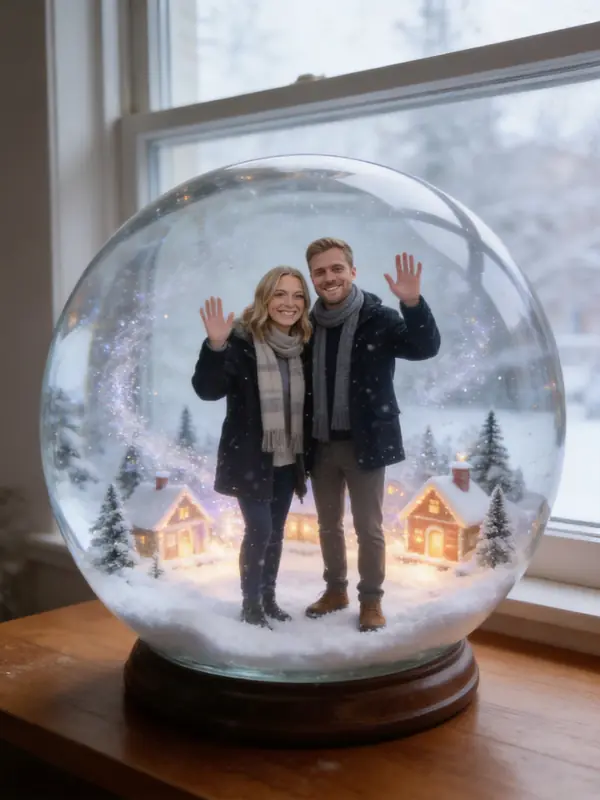
What your Christmas card looks like
Pick a design, a greeting and your name under any finished photo; the 5x7 print file is free. Examples made from AI-generated sample people, not customers.
How to use the AI Christmas Card Generator
Make the photo
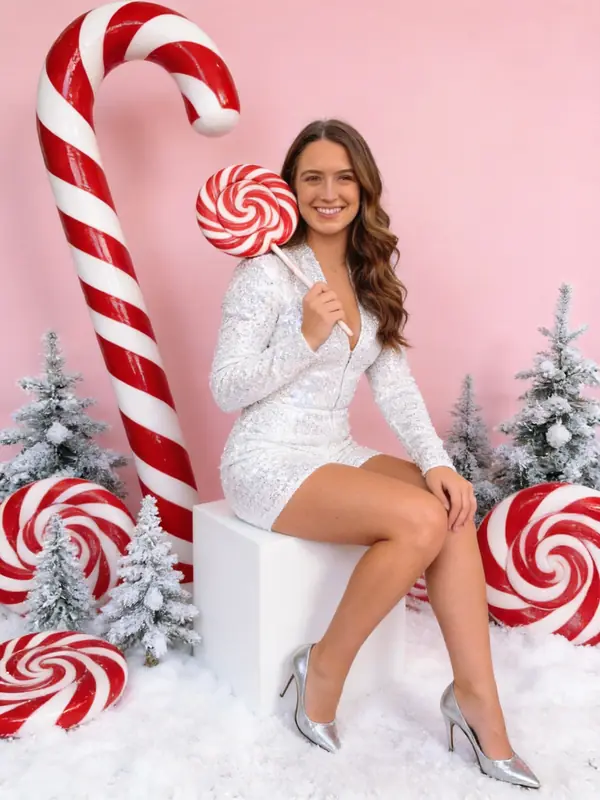
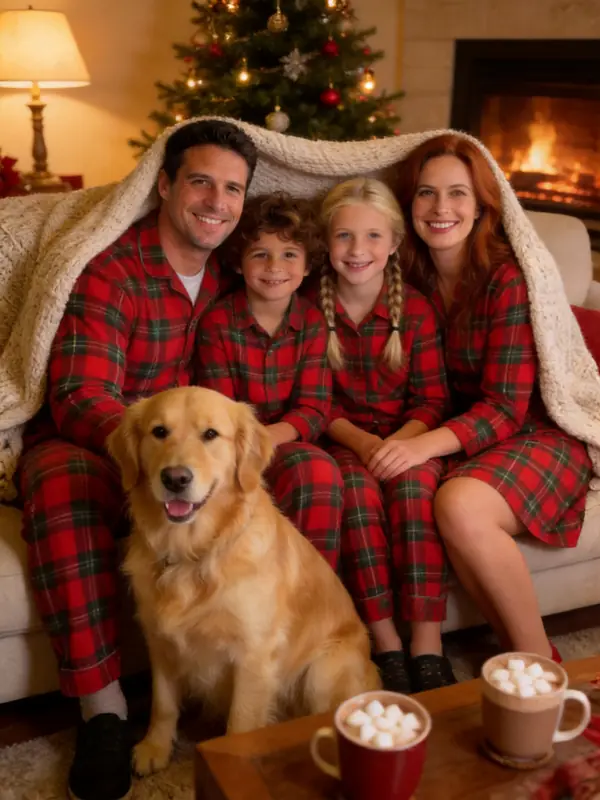
Upload one to four photos and pick a scene. Cozy Fireplace and Red & Gold Studio suit classic cards; 2000s Flash or Ugly Sweater suit a fun one.
Design the card
Pick a design, a greeting and your family name ("Love, the Garcias"). The card is drawn in your browser instantly, at no extra cost.
Print or send
Download the 5x7 print file for a photo lab or home printer, or the smaller version to send by text and WhatsApp.
Why make a Christmas card with AI
A photo card is the most personal card you can send, and the hardest to make: everyone has to be in one place, dressed, and looking at the camera at the same moment. The AI Christmas card generator starts from photos you already have, so the shoot is skipped.
You still choose what the card says and who is in it. The scene changes; the faces do not.
Printing your AI Christmas card
The print file is 1500 x 2100 pixels, a 5x7 inch card at 300 dpi, the size most photo labs and drugstore printers take for photo cards. Order it as a 5x7 print, or print at home on matte photo paper.
For a folded card, print the file on the front panel of 7x10 inch card stock. For e-cards, use the smaller download; it is sized for phones.
Looking for other looks? The AI Christmas photo generator has all 16 scenes. Prices are on the pricing page, and the AI Christmas photo trend explains where these photos come from.
Your photos, your permission
Only upload photos of yourself, your own children, or people who agreed to appear. Photos of public figures are not allowed. Every photo is checked for nudity and sexual content before it is saved, and every detail you type is checked before anything is charged. Results are AI-generated pictures, not real photographs; please label them that way when it matters.
AI Christmas Card Generator FAQ
Make your AI christmas card generator
Upload your photos, pick a scene, and your Christmas photo is ready in about 30 seconds. The first one is free.
Make my Christmas photo