Everyone, in one picture
AI Family Christmas Photo
Getting the whole family into one Christmas photo is hard when people live apart or will not sit still. Upload up to four photos, of single people, couples or the kids, and get one AI family Christmas photo with everyone together.
Make my Christmas photo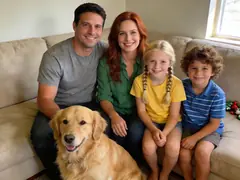
1Add up to 4 photos of the family
- Face to the camera, in even light
- Selfies work; a photo taken by someone else, a step back, works even better
- One clear photo per person is enough
- Filters, beauty mode, sunglasses
- Backlight, or faces too small to see
Photos can be taken anywhere; everyone ends up in one picture. Pets welcome. Photos with nudity or sexual content are refused.
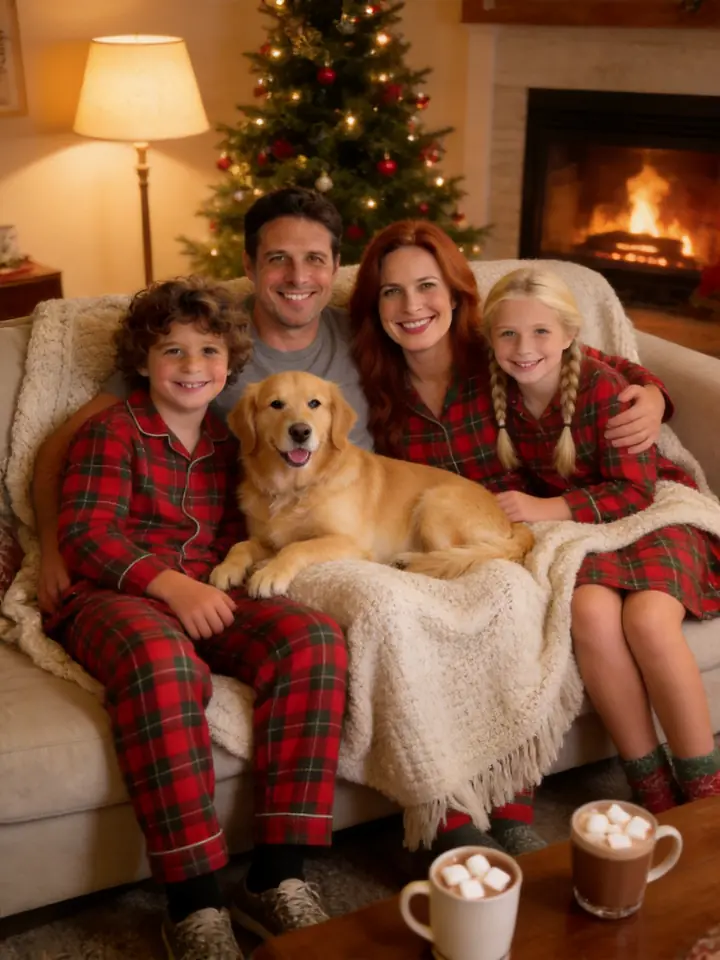
2Pick a scene: Matching PJs
3Add a detail (optional)
4Format
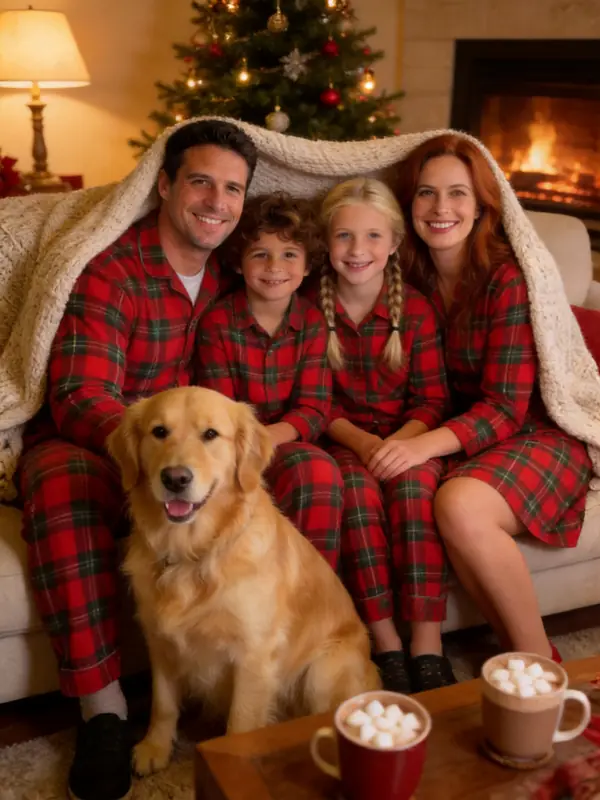
Your scene
Matching PJs
Matching plaid pajamas, a blanket and hot cocoa on the sofa.
Examples made from AI-generated sample people, not customers.
What's new
- Up to four photos per family photo; pets included.
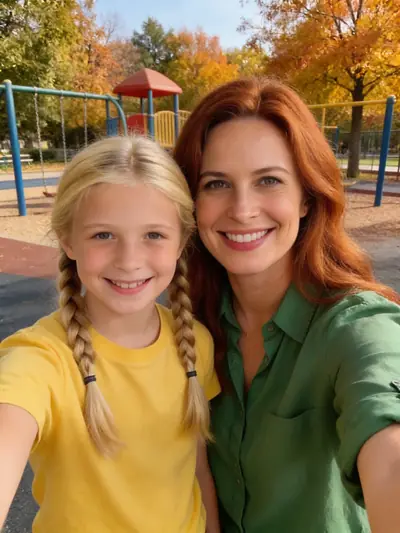
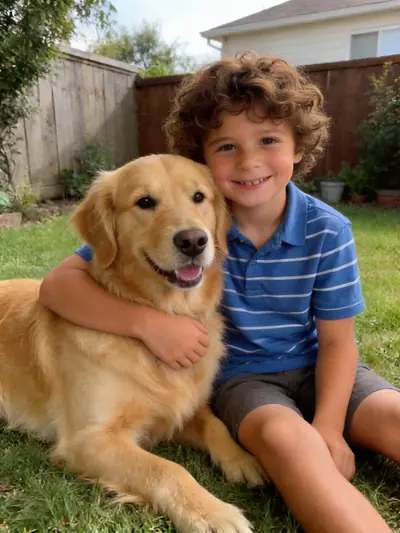
Three photos, one family Christmas photo
Nobody was in the same place. Each photo went in as it was, and the Matching PJs scene put the whole family, dog included, on one sofa. Examples made from AI-generated sample people, not customers.

become
How to use the AI Family Christmas Photo
Add up to four photos
One photo per person or per small group, faces large and clear. Add the dog or the cat as its own photo.
Pick the family scene
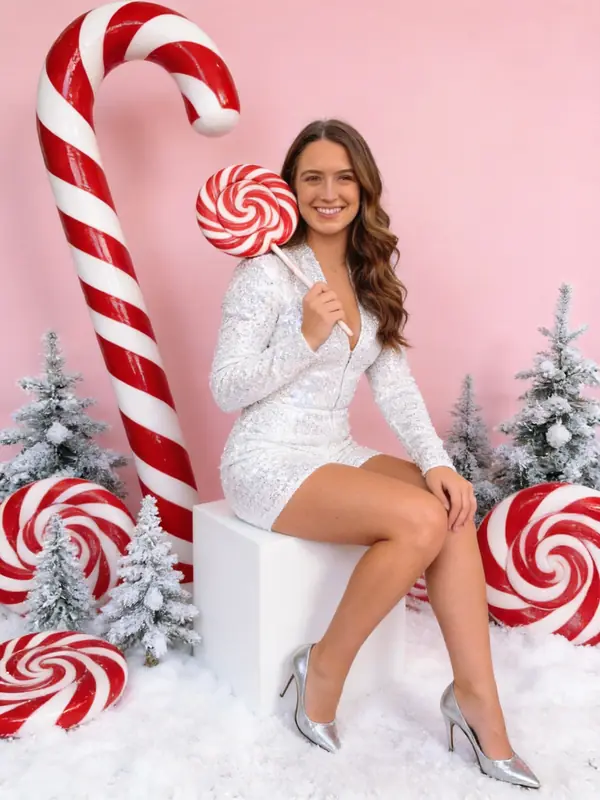
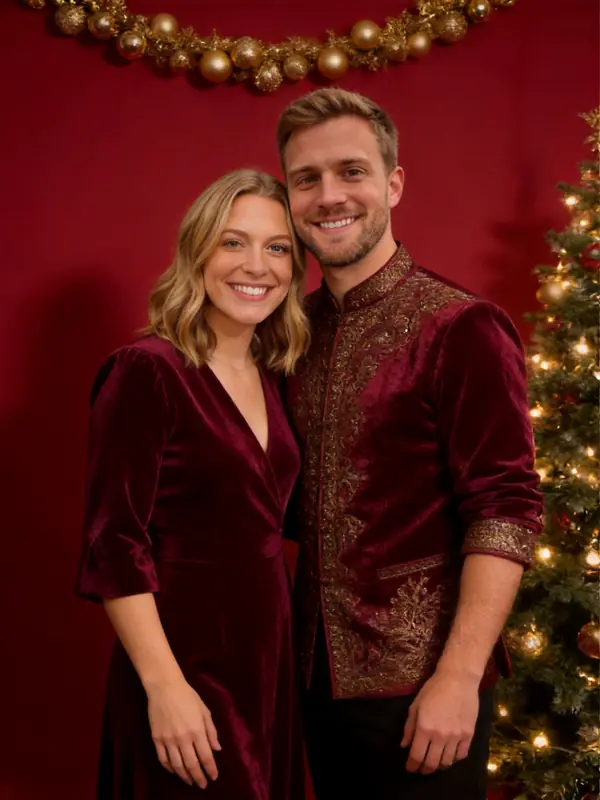
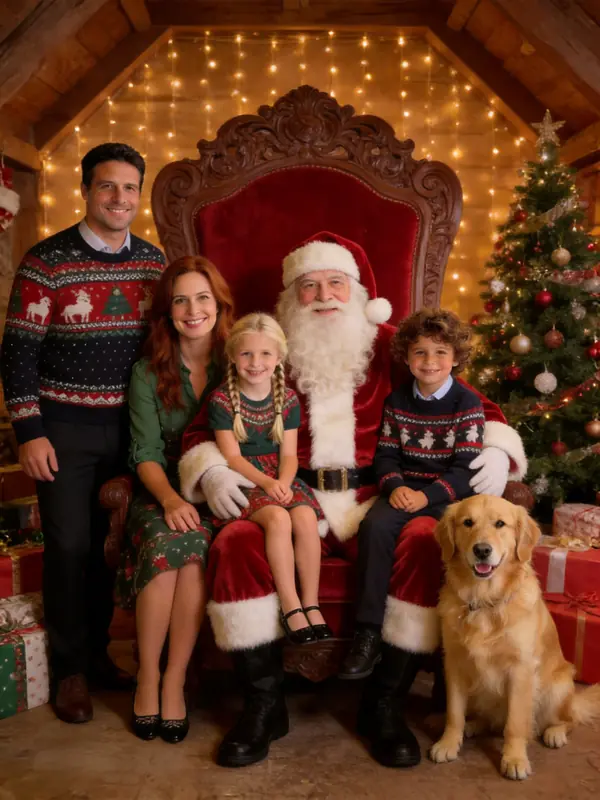
Matching pajamas, Christmas morning, the fireplace, or a photo with Santa. Add a detail such as "grandma in the middle".
Share it with the family
Download the photo for the group chat, or turn it into a printable card for everyone who could not be there.
How many people can be in one photo?
Up to four photos go in, and each photo can hold more than one person. Most families get the best result with four to six faces in total. Larger groups work, but every face is smaller, so likeness drops.
If someone is missing from the result, make it again with that person in a photo of their own.
Kids, grandparents and pets
Use a recent photo of each child; AI keeps the age it sees. For grandparents, a well-lit photo from the front keeps the face closest. Pets come out best from a close photo where the whole animal is visible.
Looking for other looks? The AI Christmas photo generator has all 16 scenes. Prices are on the pricing page, and the AI Christmas photo trend explains where these photos come from.
Your photos, your permission
Only upload photos of yourself, your own children, or people who agreed to appear. Photos of public figures are not allowed. Every photo is checked for nudity and sexual content before it is saved, and every detail you type is checked before anything is charged. Results are AI-generated pictures, not real photographs; please label them that way when it matters.
AI Family Christmas Photo FAQ
Make your AI family christmas photo
Upload your photos, pick a scene, and your Christmas photo is ready in about 30 seconds. The first one is free.
Make my Christmas photo